Export Travel History as CSV & PDF for Visa Applications
Export your trips and flights as a CSV spreadsheet or formatted PDF report, with date-range filters for visa, residency, and immigration records.
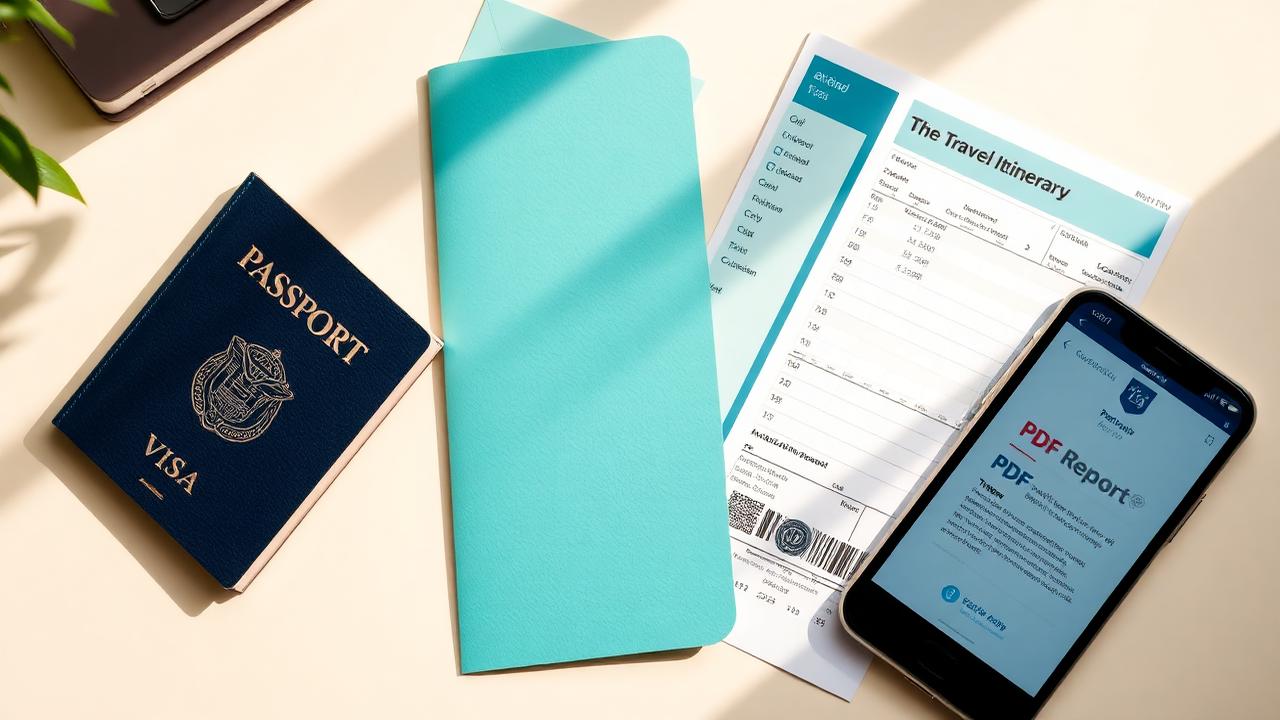
Keeping a clean travel record is only half the battle. The real test comes when a visa form, residency application, or immigration officer asks for a complete history of where you've been. TripoWay's new Export Travel History feature turns your logged trips and flights into ready-to-share documents in seconds.
Two export formats are now available from your Trips and Flights pages. Choose CSV if you want a raw spreadsheet to edit, filter, or attach to an online form. Choose PDF if you need a polished, printable travel summary that looks professional alongside a visa application.
The CSV export includes structured columns for entry date, exit date, country, city or port, duration in days, airline, flight number, departure and arrival codes, and any notes you saved. Commas and special characters are escaped automatically, so the file opens cleanly in Excel, Google Sheets, and Apple Numbers.
The PDF report is designed for visa and immigration use. It opens with a title page showing your traveler identifier, the generation date, and a clear notice that the document is a self-reported personal record. Below that, summary cards display total countries visited, total days abroad, and total flights logged. The main table repeats on every page and uses alternating row stripes for easy reading.
A subtle but important detail: both exports support date-range filtering. If you only need records from the last year, a specific visa window, or one residency period, set the From and To dates in the Export Records menu and download just that slice. No more manually deleting old rows.
The PDF also includes a faint 'PERSONAL RECORD' watermark and page footers that read 'Generated on [date] via TripoWay.life • Unofficial / Personal Record • Page X of Y.' These reminders keep the document honest: it is a helpful reference compiled from your own data, not an official government paper.
To try it, sign in to TripoWay, go to your Trips or Flights page, and click the Export Records button in the toolbar. Pick your format, optionally narrow the date range, and download. Your travel history, your data, ready whenever you need it.
Not sure whether an application actually requires all of this? Read Do You Need Travel History for a Visa Application? — it covers which applications ask for your travel history and how many years they expect.
Keep reading
- How Boarding Pass Scanning Works: Add a Flight in Seconds
See how TripoWay's boarding pass scanner turns a photo, ticket, or PDF into a fully logged flight — step by step, from scan to saved trip.
- Landing in a New Country? Sort These 5 Things First
SIM or eSIM, airport-to-city transport, luggage lockers, payments and insurance: the five things to sort in your first hours in a new country.
- Do You Need Travel History for a Visa Application?
Which visa applications ask for your travel history, how many years you need to declare, and how to compile exact entry and exit dates without guessing.