Visa Prep Made Easy with a Travel Itinerary Scanner
See how a boarding pass scanner builds your complete travel itinerary automatically, so visa prep takes minutes instead of weeks of digging through old emails.
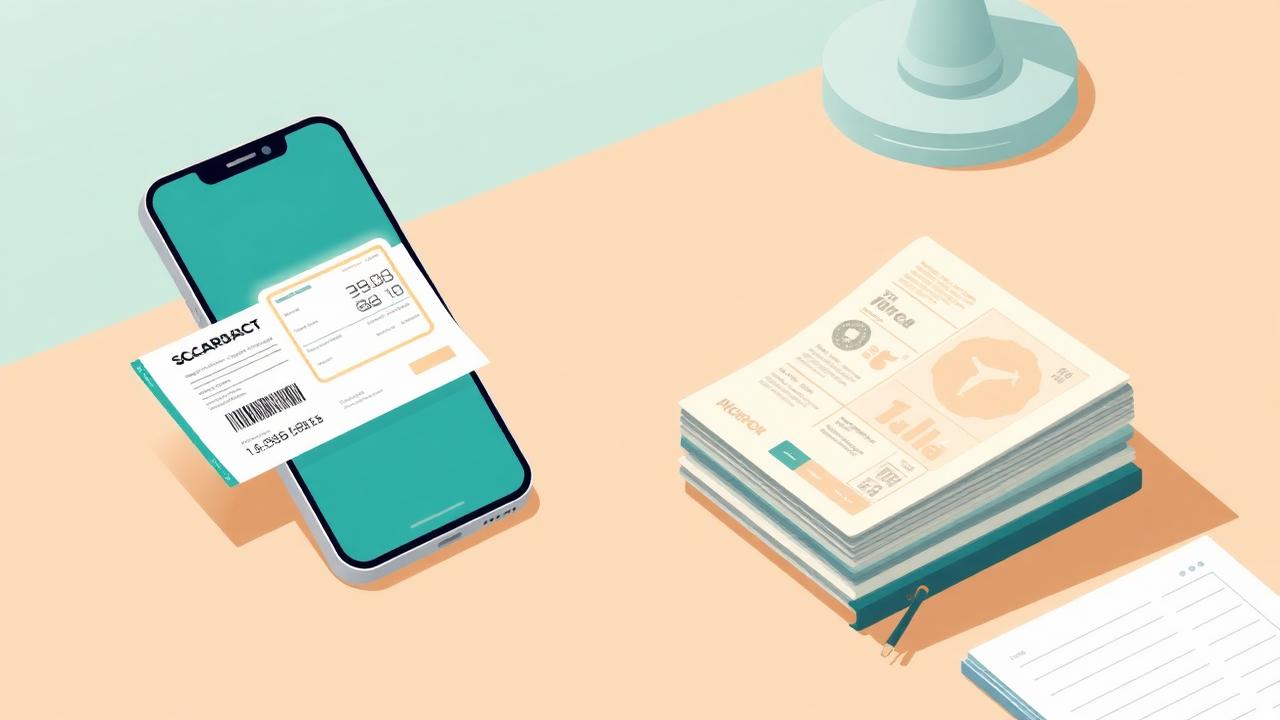
Every visa application seems to ask for the same thing: a complete, accurate account of where you've traveled and when. Consulates want entry and exit dates, flight details, and countries visited — sometimes going back years. For most people, reconstructing that itinerary means digging through old email confirmations, faded boarding passes, and half-remembered trips. It's the most dreaded part of the paperwork.
TripoWay's boarding pass scanner turns that chore into a habit you barely notice. Instead of reconstructing your history at visa time, you build it as you travel: every time you fly, you scan the boarding pass, and the flight joins your permanent record. By the time an application asks for your itinerary, it's already done.
The scanner does the tedious part for you. Photograph a paper boarding pass, upload a screenshot from your airline app, or drop in the PDF ticket from your confirmation email — TripoWay extracts the airline, flight number, departure and arrival airports, and the travel date automatically. You review the parsed details before anything is saved, so your record stays accurate without any manual typing.
Scanned flights don't sit in isolation. When a flight's date and destination match one of your trips, it's linked automatically, giving you a complete picture: countries visited, dates in and out, and the flights that got you there. Gaps and inconsistencies become visible while you can still fix them — not the night before a consulate appointment.
When it's time to actually submit, the Export Records feature turns that history into a visa-ready deliverable. Download a CSV for online forms and spreadsheets, or a formatted PDF report with summary statistics — total countries, total days abroad, total flights — plus a clear self-reported record disclaimer. Date-range filters let you export exactly the window an application asks for.
A few habits make the system work even better: scan every flight, even short regional hops; keep the original PDF tickets when you have them, since they parse most reliably; and log trips consistently — consulates notice when dates line up cleanly across documents. A two-minute scan at the gate saves hours of reconstruction later.
Ready to stop dreading the travel history section? Sign in to TripoWay, scan your first boarding pass, and let your itinerary build itself. Your future visa applications will thank you.
Keep reading
- Do You Need Travel History for a Visa Application?
Which visa applications ask for your travel history, how many years you need to declare, and how to compile exact entry and exit dates without guessing.
- What Is the TripoWay Sample Travel Report?
Download a free sample travel report and see how a self-reported trip log can support your visa, residency, or citizenship application.
- Schengen 90/180 Rule Explained: Track Your Days in Europe
Understand the Schengen 90/180 day rule, how the rolling window works, and the easiest way to track your days across Europe without overstaying.